
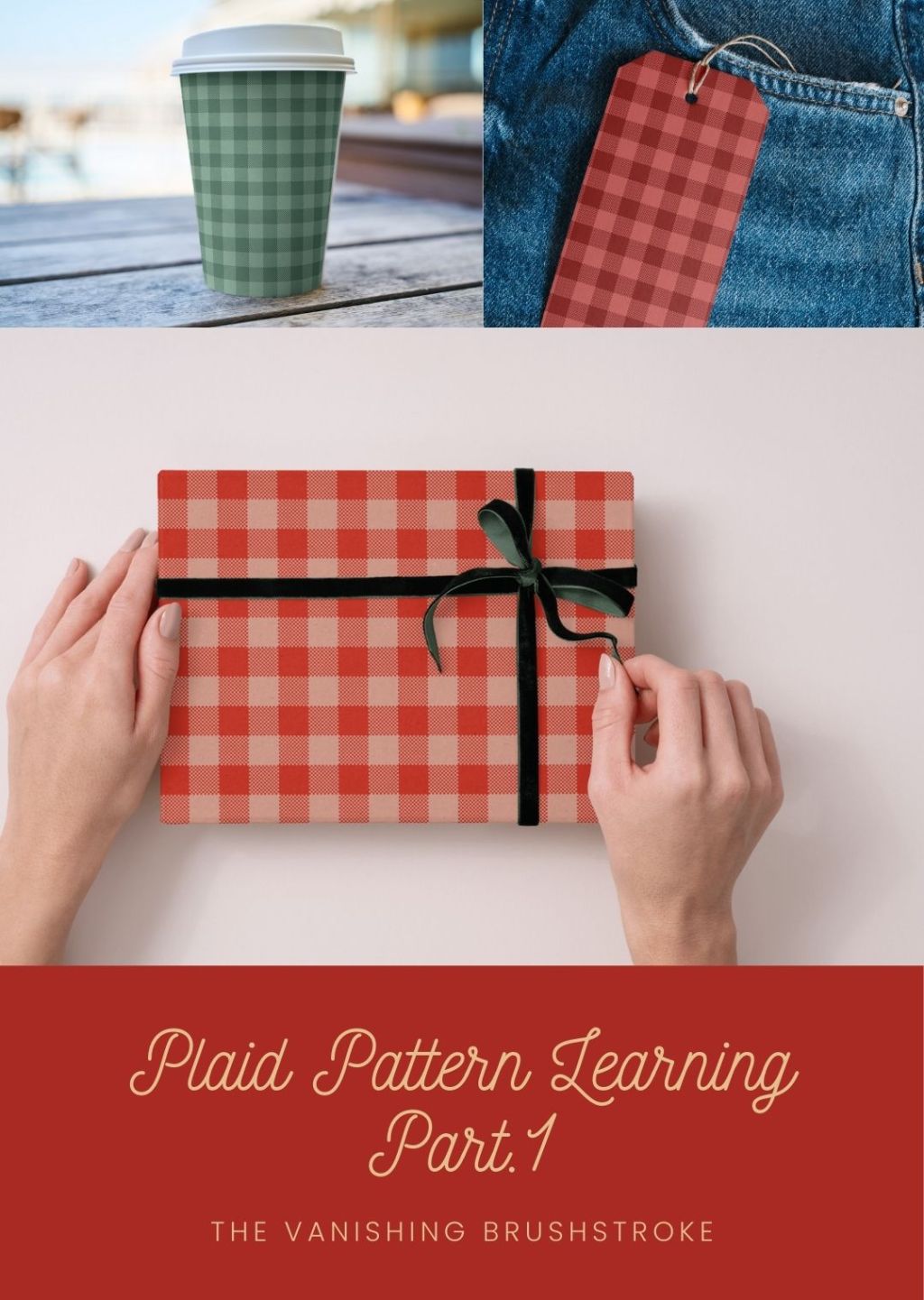
Plaid is a type of patterns I have grown totally fond of since I’ve been in the world of commercial design.
Whether buffalo plaid, modern plaid, vintage and traditional plaid, gingham, I love them all and can never have enough of them. I love them on fashion and home decor.
If I walk by a store with beautiful plaid in its front windows, you bet my eyes will be fixated on the plaid garments or accessories. Plaid transports me to a different world and set up that I love. Like a free time machine more or less.
So, as you guessed, as part of my learning my craft, I had to include plaid patterns on my list of skills to develop.
THIS POST USES AFFILIATE LINKS. FIND OUT MORE ABOUT OUR AFFILIATE DISCLOSURE HERE
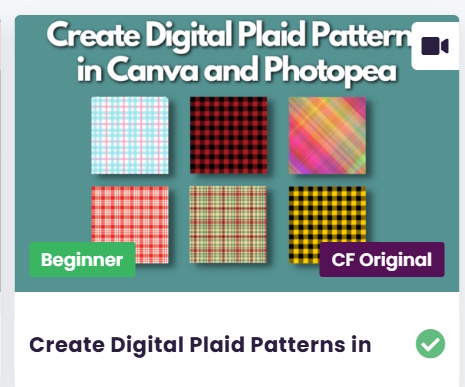
Today I decided to give a class on Creative Fabrica by Pawel Sarniak a shot. What I liked is that it looked very accessible.
I’m curious to see if I can learn a thing or two from it. The class is about creating plaid patterns in Canva and Photopea. I chose to work in Affinity Designer instead because I’m learning Affinity Designer, so the more I work with it, the better for learning.
Create Digital Plaid Patterns in Canva and Photopea by Pawel Sarniak
Today I completed the first plaid pattern – first video – and did the below set for my Creative Fabrica store:
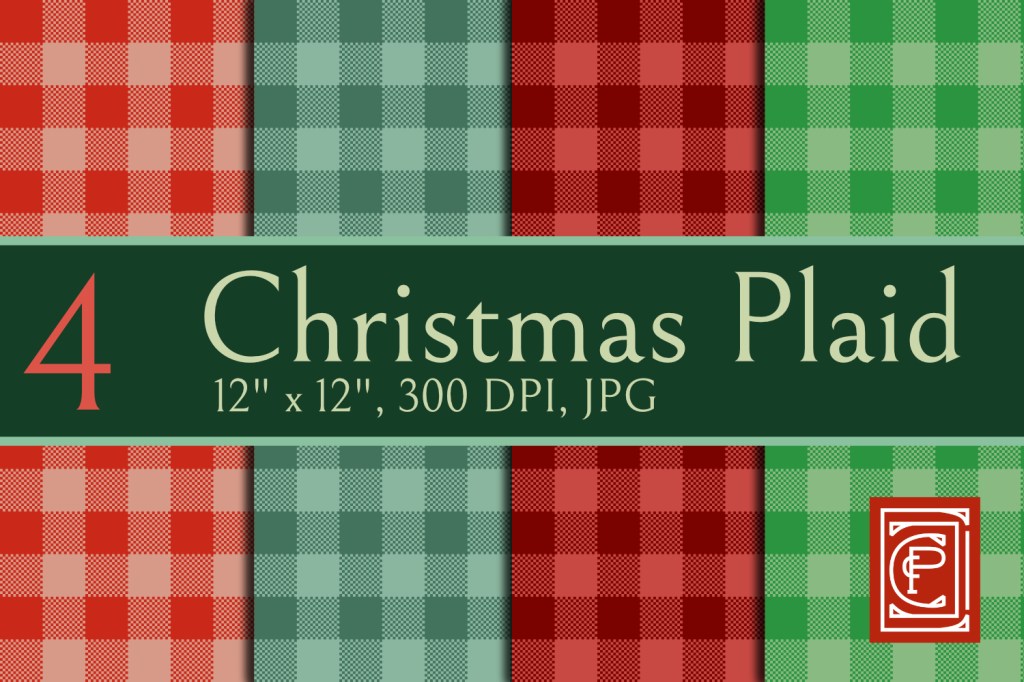
How have I found the class so far? Very good and concisely taught at a decent pace.
What I’m happy about is that today I learnt to create buffalo plaid patterns a different way. I had previously created the pack below for my Creative Fabrica store and these plaid patterns were created differently. If you look closely, you’ll notice the striped texture added to it:
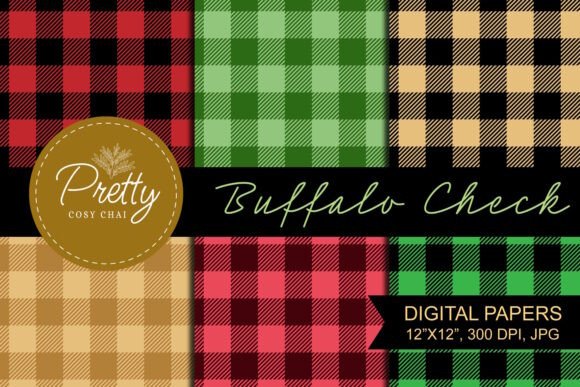
The new patterns I created today were done with squares to simulate texture, a different technique.
I’m not quite where I’d like to be with this first set of patterns. I’d like to play with colours more in Affinity Designer. So, this will be my next step.
I hope you enjoyed discovering my first steps into expanding my plaid pattern skillset and I shall be back next week with a new post.
Alex

