

Surface pattern design, the discipline that focuses on the production of commercial patterns for print, often follows a certain creative process to arrive at a repeating pattern. This process can vary in length and complexity, depending on the nature of the pattern but typically takes time and know-how.
But these days, you can circumvent this process if you set off to create geometric patterns because there is an app that allows you to create geometric patterns in a very intuitive manner and following a process that’s light weight and often quicker: the Repper app.
It doesn’t mean that you’re going to obtain a pattern falling off the sky in a matter of 5 mns, particularly if you’re trying to make a certain creative vision come true. Instead it means the process you’ll need to follow will be easier and shorter.
THIS POST USES AFFILIATE LINKS. FIND OUT MORE ABOUT OUR AFFILIATE DISCLOSURE HERE.
© 2025, The Vanishing Brushstroke
The patterns and art in this post are here for educational purposes. They are my art and may not be copied nor used commercially.
Above all, it means you can create geometric patterns irrespective of whether you are an artist or not. This may suit you if you desire to start a creative gig online for instance or need patterns for your small business.
Have I got your attention? If I have, read on to find out more.
1. Who Repper Is For
Repper is for everyone.
As I said above, the app is accessible to all no matter whether you’re an artist or not.
Commercial designers and non designers alike use it to:
- Produce patterns that complement other patterns
- Recycle existing art and come up with matching patterns
- Come up with pattern concepts
- Turn illustrations into simple repeating patterns
- Create geometric patterns
- etc
CRAFTERS
If you’re a crafter who loves a creative challenge and creating generally speaking, whether with your hands or digitally, you may want to take a look at the app so you can create your own digital paper in the future for instance.
ASPIRING CREATIVE ENTREPRENEURS
If you’re someone looking for a creative idea to make money online, you might want to check it out too as it allows you to create beautiful commercial patterns without necessarily being an artist. It’s an easy way to make quality art in two words.
EXISTING COMMERCIAL DESIGNERS
If you’re an existing commercial designer – surface, stationery, you name it – you may wish to check it out too because you may find a good use for it in your creative process.
2. The Repper App Itself
The Repper app is an online app.
This means you must be online to access it. It’s not something you can download to work off-line.
It’s available here: https://repper.app/
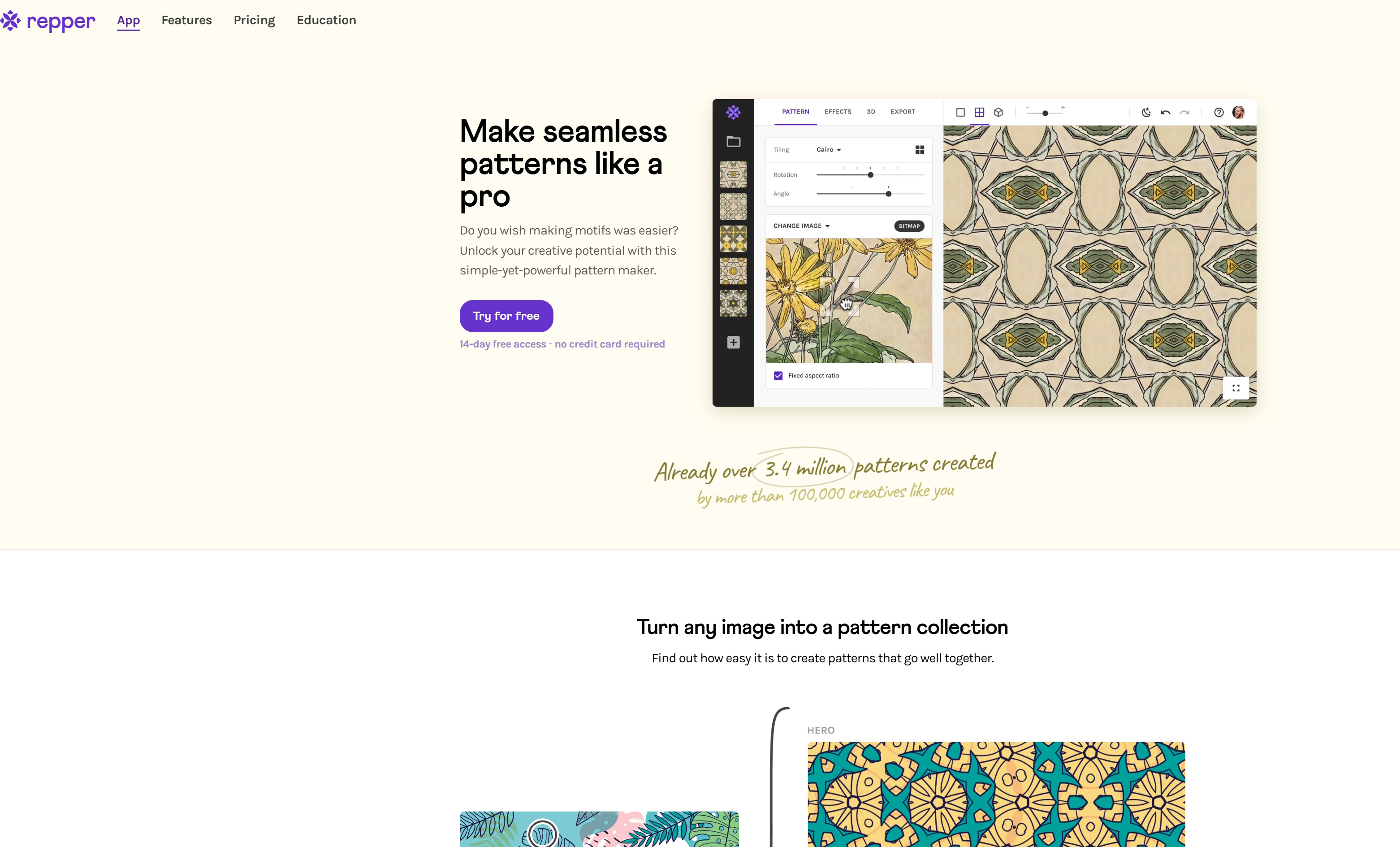
The app costs £11.99/month (that’s $12.99). If you get the yearly plan, it’s £8.99/month (that’s $9.99).
Where to learn more about using the app?
- The Repper‘s FAQs section in their website’s footer
- The Repper Blog: https://blog.repper.app/
- The Repper Youtube channel
Alternatively, if you have a question that’s not been answered by them on their website or social media channels, drop them an email. Their studio is run by a lovely team of real human beings always happy to help.
3. The Interface at a Quick Glance

The beauty with the Repper app is its user interface.
It’s intuitive. The interface has been designed in a way it is super easy to explore, learn, understand and navigate around to work with patterns.
It’s live. The slightest change you bring to your pattern will immediately visually be reflected to the right on the applied pattern surface. No need to get outside Repper to test out your repeating pattern, the testing happens as you work on the pattern right there.
It’s complete. This means everything you need is in one place: on that screen above. Whether you need to select or export patterns, access repeat types or view your patterns on mock-ups to get an idea of whether they look better on pillows or t-shirts, change colours, you can do it all there on that screen.
You have 4 main areas here:
- On the left (framed in red, area 1), you see all the patterns I made from that blob art
- On the next (framed in green, area 2) light grey column is where you upload art and configure the patterns
- Next to the green area (the large black area, area 3), on the right, the large surface with the pattern, is your applied pattern surface where you see things change as you configure patterns differently, scale up or down, etc
- Finally, at the very top, is the menu bar (framed in blue, area 4)
Doesn’t that look and sound splendid?
4. The Repper Pattern Creation Process at a Quick Glance
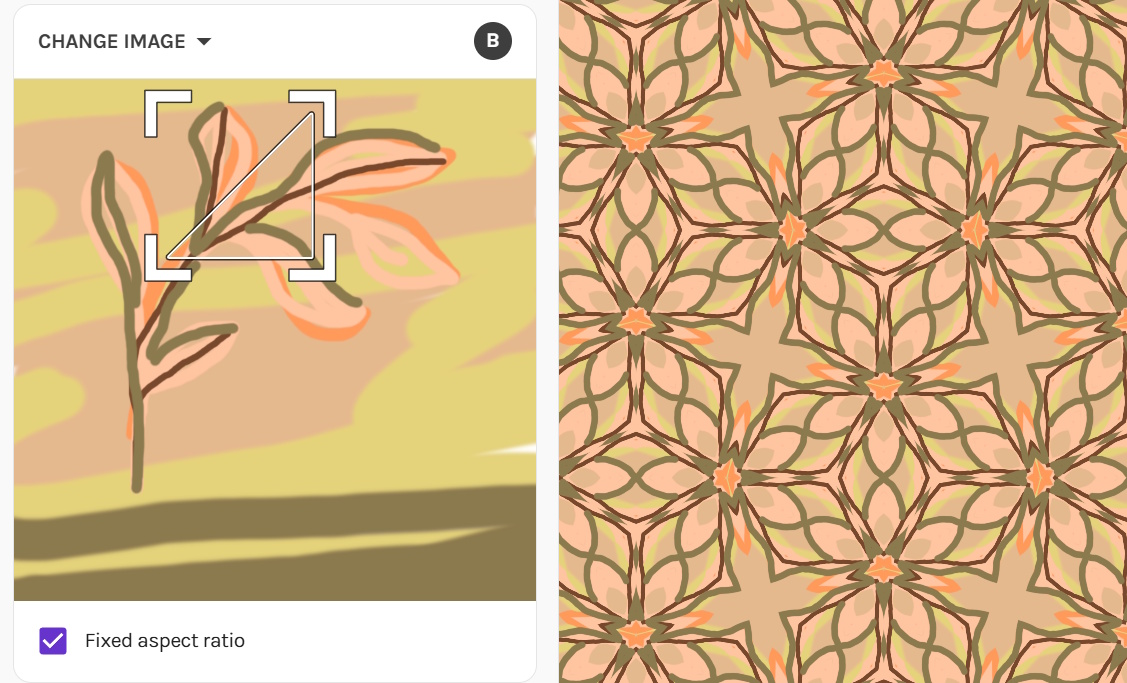
The way it works:
- First, you upload your art. This automatically opens the above window and shows up in the square on the left right under the Change Image drop down.
- By default, Repper will apply a repeat type to it and therefore produce a pattern that you will see applied to the right. That’s your base or starting pattern.
- You have settings all around that you need to discover and play with to arrive at a finished pattern. These include repeat types, scaling up or down, changing colours, etc.
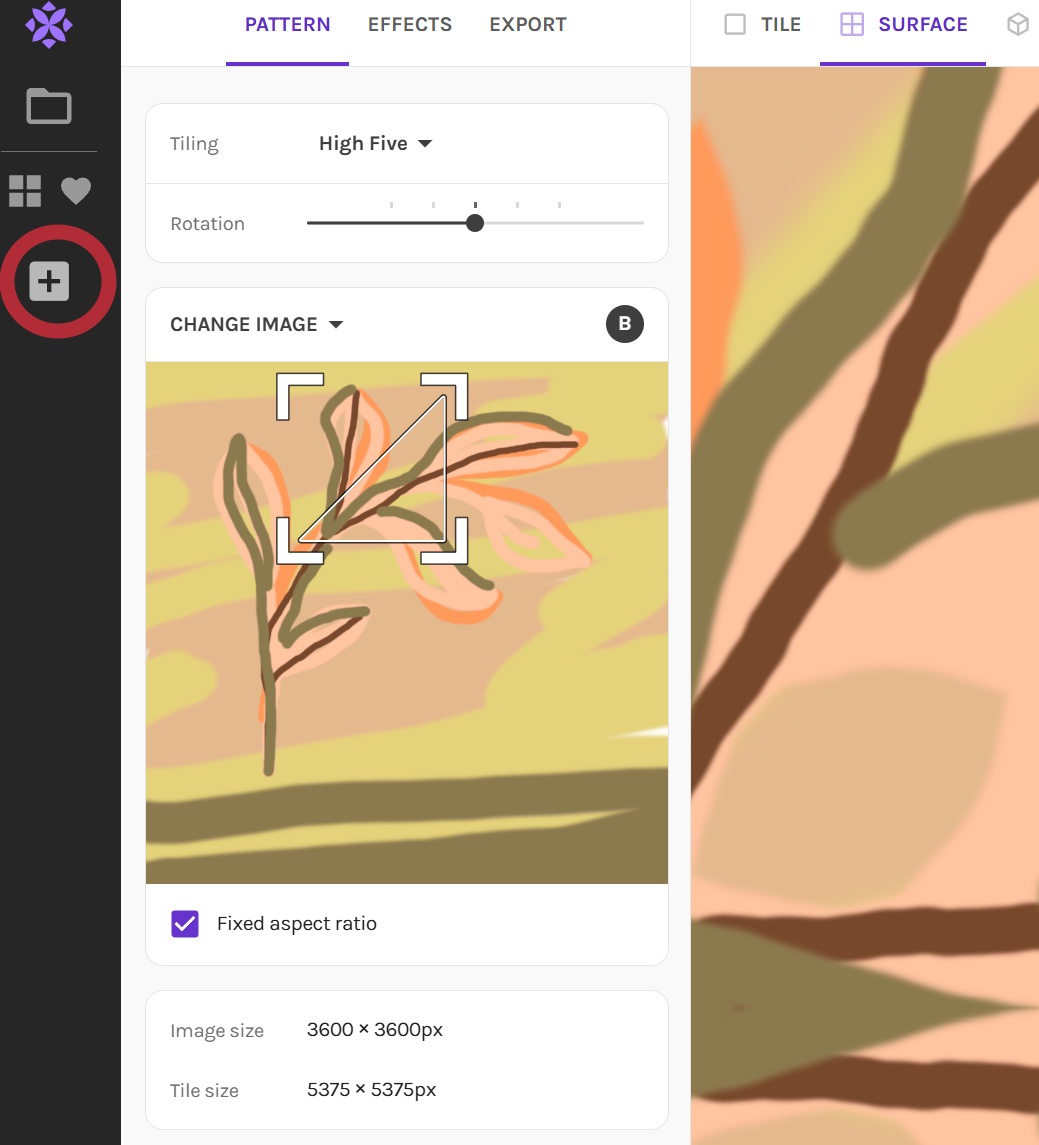
- Once you’re happy with a pattern, to save it, you click the “+” icon on the left hand-side in area 1 (see photo below). Then you continue moving your cursor around the art and playing with other settings to create your next pattern.
- You will observe that everything you do will update the right hand-side screen somehow. That’s your applied pattern surface being updated live as you do pattern creation work. The change could be subtle or big, depending on how you manipulated the pattern configuration. The beauty is once you’ve settled on a pattern and saved it, you have the applied pattern right there so you can see if it’s to your liking or not. And you can easily scale that up and down as you see fit. This is something commercial designers don’t necessarily have when working with graphic design softwares sometimes. This is why I praise Repper for this. It does make life easier.
5. Does Repper Give Me Patterns Just Like That?
Not quite.
Repper requires a little work from you to produce those beautiful patterns. The process is fairly easy and fast but you do need to put in the effort before you can arrive at a beautiful pattern set.
To be precise, Repper is a mathematical algorythm based app that requires a number of things from you to produce a pattern:
- It requires you feed the app an initial piece of art
- It requires you configure the base pattern it gives you to arrive at visually attractive patterns
- It requires you further refine the pattern using the settings available if the base pattern isn’t to your liking
The reason I said the app is accessible to all is that the app can turn very simple art – blobs, shapes, lines and all the in betweens – into pretty patterns. The artistic entry point is level 0 in two words. This is why anyone can do it. And yes, by “art” I mean the most basic marks that are used in art making.
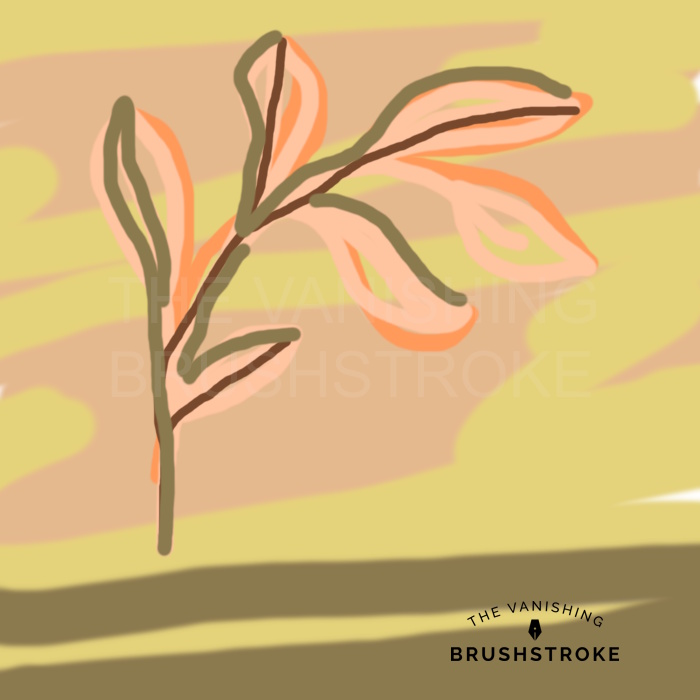
Take a look at what I fed Repper to obtain the pattern above:
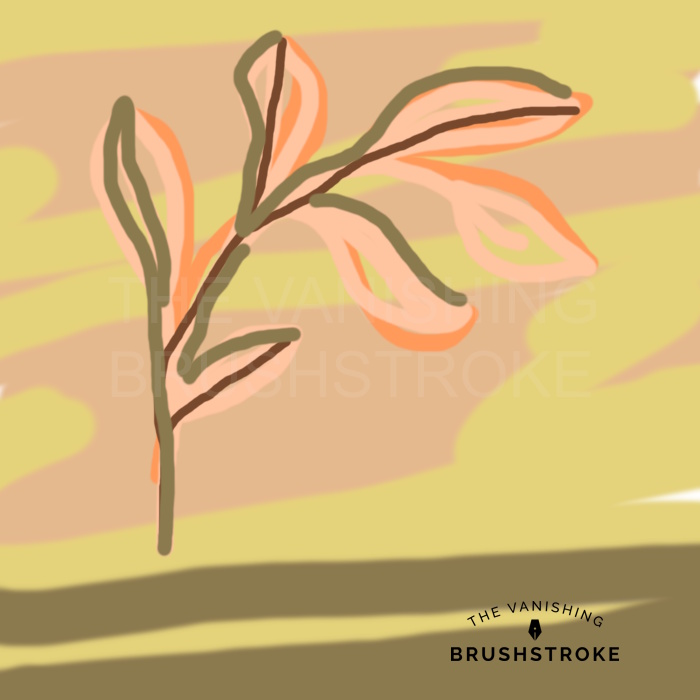
I created this in Paint.net using a very simple brush and my mouse. It took me around 5 mns to do this. It was all improvised. Then I uploaded it in Repper to create the below pattern:
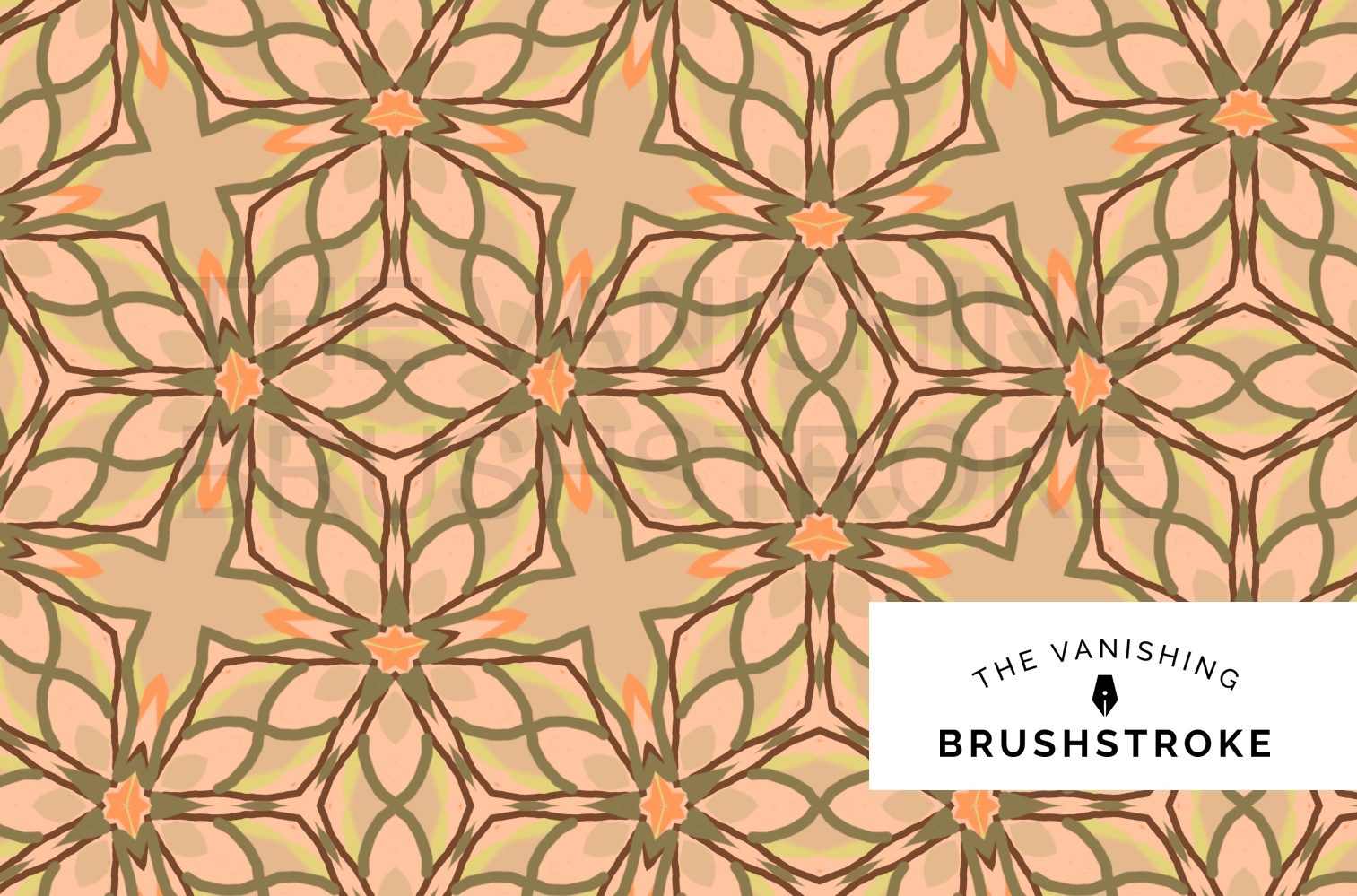
The original art is wobbly and very imperfect. But can you see how the pattern looks nice in small scale? This basic art could suffice for Repper pattern making if I was creating scrapbook papers for crafting at home. I certainly love the vibe of the pattern.
However, if I wanted to sell this commercially, I would probably redo the original art in Procreate or Affinity Designer. Why? Take a look at the pattern zoomed in:
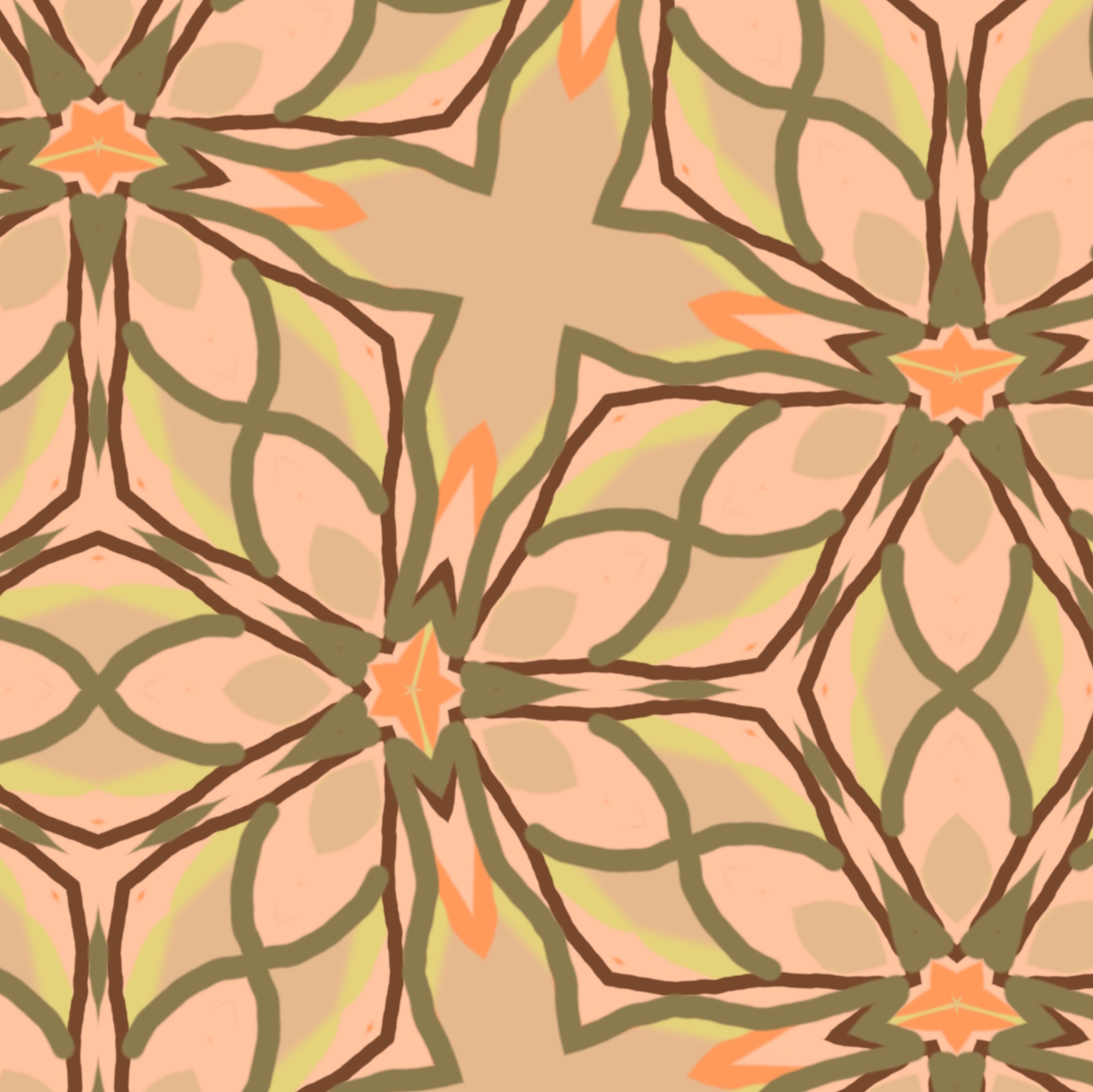
I did this art on my desktop computer using a mouse. The result is very wobbly lines and this is showing up on the zoomed version. If I continue zooming in, take a look at what we’ve got:
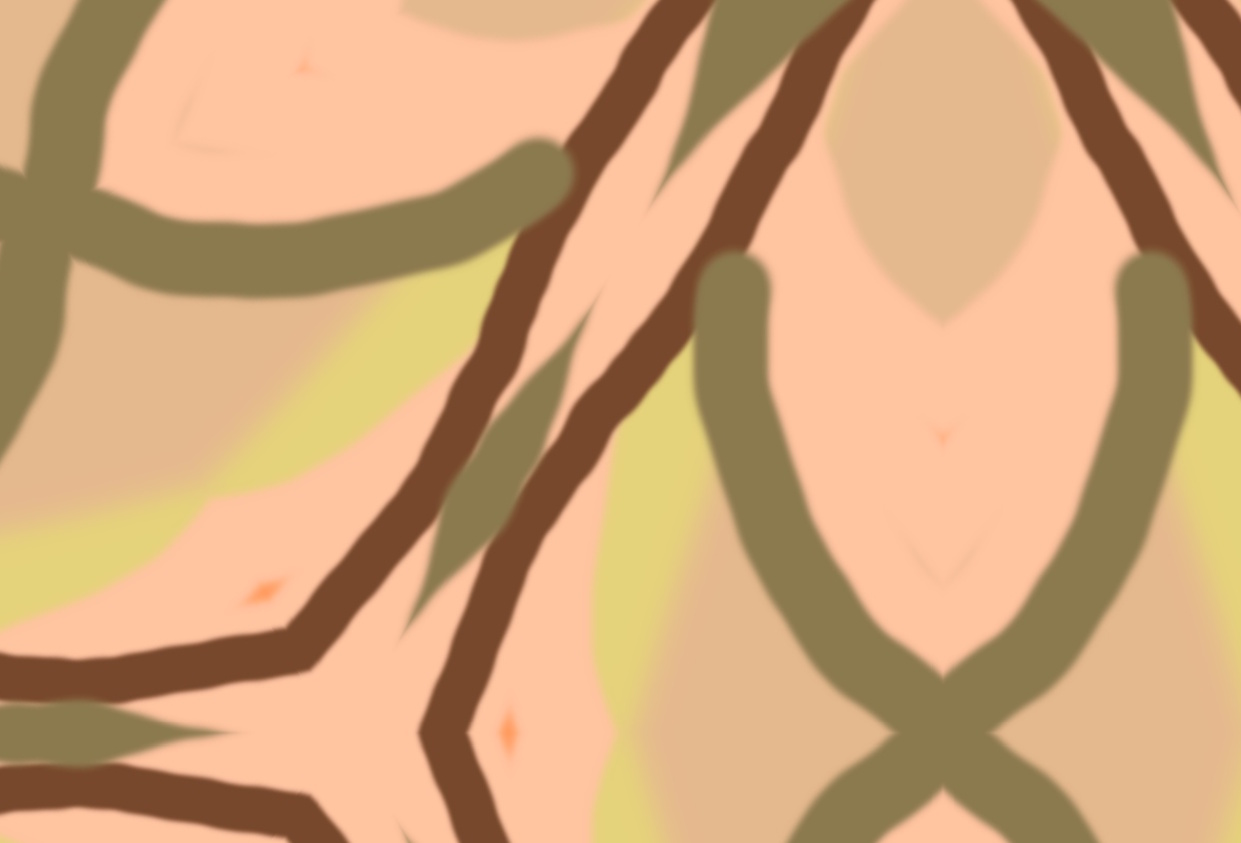
The lines have a slight blur to them. This blur comes from the type of brush I used in Paint.net. This blur will not look good on large merchandize for instance.
In Procreate, I’d be able to draw more naturally, control the quality of my line better and even add texture to it. If I wanted a complete smooth clean vector finishing, I would redo this art in Affinity designer.
So, can you see it all depends on what you need and want?
When you do this for crafting, you will have a very easy, fun and creatively interesting pattern making experience. If you choose to use Repper commercially, even then you’ll have a lovely experience because what is 5 mns in the grand scheme of things?! And even where you have to redo something, you’ll redo the original art but never the patterns. It saves you a ton of time. By redoing your art, you just perfect the final pattern. So, it’s all worth it.
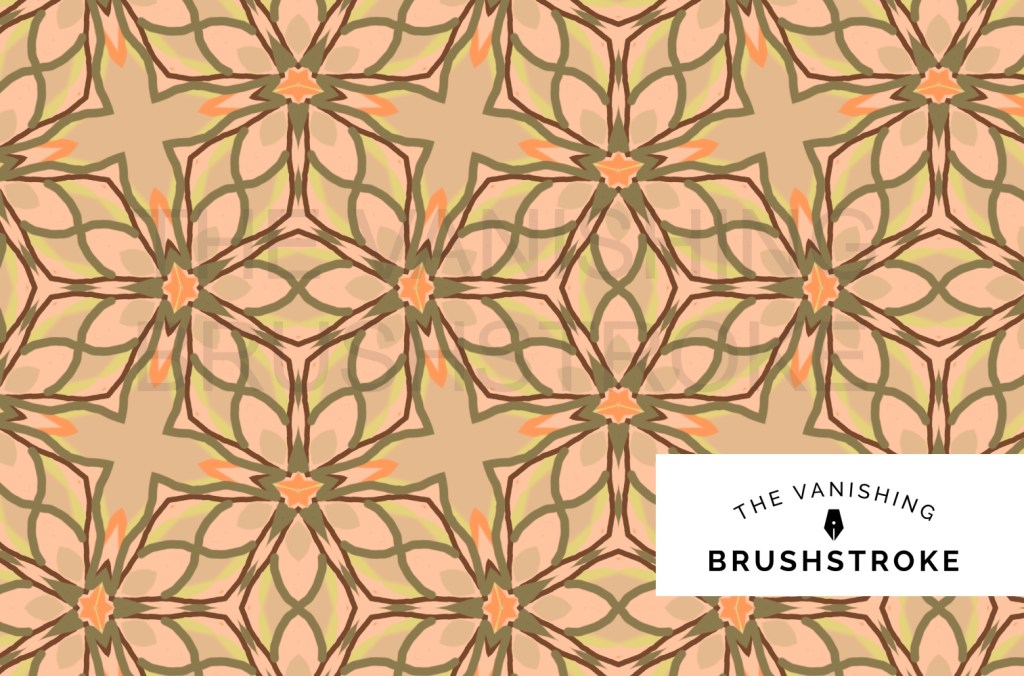
And can you see how these 2 look beautiful together?
6. Repper & Ai
Repper is NOT an Ai tool, therefore does NOT work with text prompts to then produce art magically for you. Instead, it is based on mathematical algorithms, the same way vector programs are for instance.
This has 2 benefits:
- When making money with Repper patterns, compared to using Ai art, you don’t run the risk of getting yourself into legal troubles from either marketplaces or customers.
- You can claim full copyright over your Repper patterns because they do not rely, even in the slightest manner, on someone else’s artistic creations. Provided, naturally, that you did not base your original art on someone else’s creations.
7. Can Repper Deliver Commercial Quality Patterns?
Yes. it can.
But for this, your initial art must be of commercial quality as well. This means:
- The dimensions must be fit for purpose.
- The DPI, where relevant, must be fit for purpose.
- The art quality – quality of lines, colouring, execution, etc – good enough for the sort of patterns you wish to create, as this will impact the details on the finished pattern, and the commercial use you have in mind for your pattern.
With all these conditions met, Repper will allow you to save JPG AND PNG Files as per the below:
- PNG files can be saved up to 35,000 x 35000 px size
- JPG files can be saved up to 5,000 x 5,000 px size
- Repper gives you the actual repeating pattern tile, if the repeat type allows that. So, you know from the start it will repeat seamlessly.
- Repper will give you the applied pattern surface as well (I haven’t yet tested the maximum dimension for this)
8. Does Repper Allow Me to Create Any Pattern?
No.
In my experience, Repper tends to produce geometric patterns that come with a bohemian, Mediterranean, mandala, kaleidoscopic vibe. Or it repeats illustrations to produce simple repeating patterns. Such illustrations may be florals, animals, objects, etc. But You won’t for instance be able to create damask patterns or toile de jouie with Repper. These heritage pattern styles require proper surface pattern design skills and softwares.
Repper, if you are a commercial designer, is a tool to use to make life simpler but is not a replacement for making patterns in Procreate, Affinity Designer or Adobe Illustrator.
If you are a crafter, it’s a magical tool to create your own patterns for crafting. Such patterns could be used as scrapbook paper or designs to print on fabric for quilting or to decorate your journal pages.
Below are some of the patterns I created with Repper that I sell commercially.


I hope you enjoyed this introduction to Repper and thank you for stopping by. If this post inspired you, go check the app out! Also keep an eye on this blog as I plan to blog more about Repper in the future. For instance, you can find out 5 ways you can make money with your Repper patterns here.
Alex
Explore all Repper posts:

